
Features · CI/CD
Fail the build on a bad release
Issue a per-site client secret, run one CLI command from CI, and read an exit code. A build fails when the health score drops below your threshold — or when the scan finds any check on your fail-on list, whatever the score says.
The parts
What this is made of
Each of these corresponds to a screen or an endpoint you can open today.
- The secret is per site, issued and revoked from that site's settings.
- The gate is evaluated server-side and frozen when the scan starts, so editing the list mid-build cannot re-decide a verdict already in flight.
- Available from the Basic plan up.
- 01
One command
npx pixyscan-sdk run — no config file to commit, no login step, no checkout of a second repository.
- 02
Name the check that must never ship
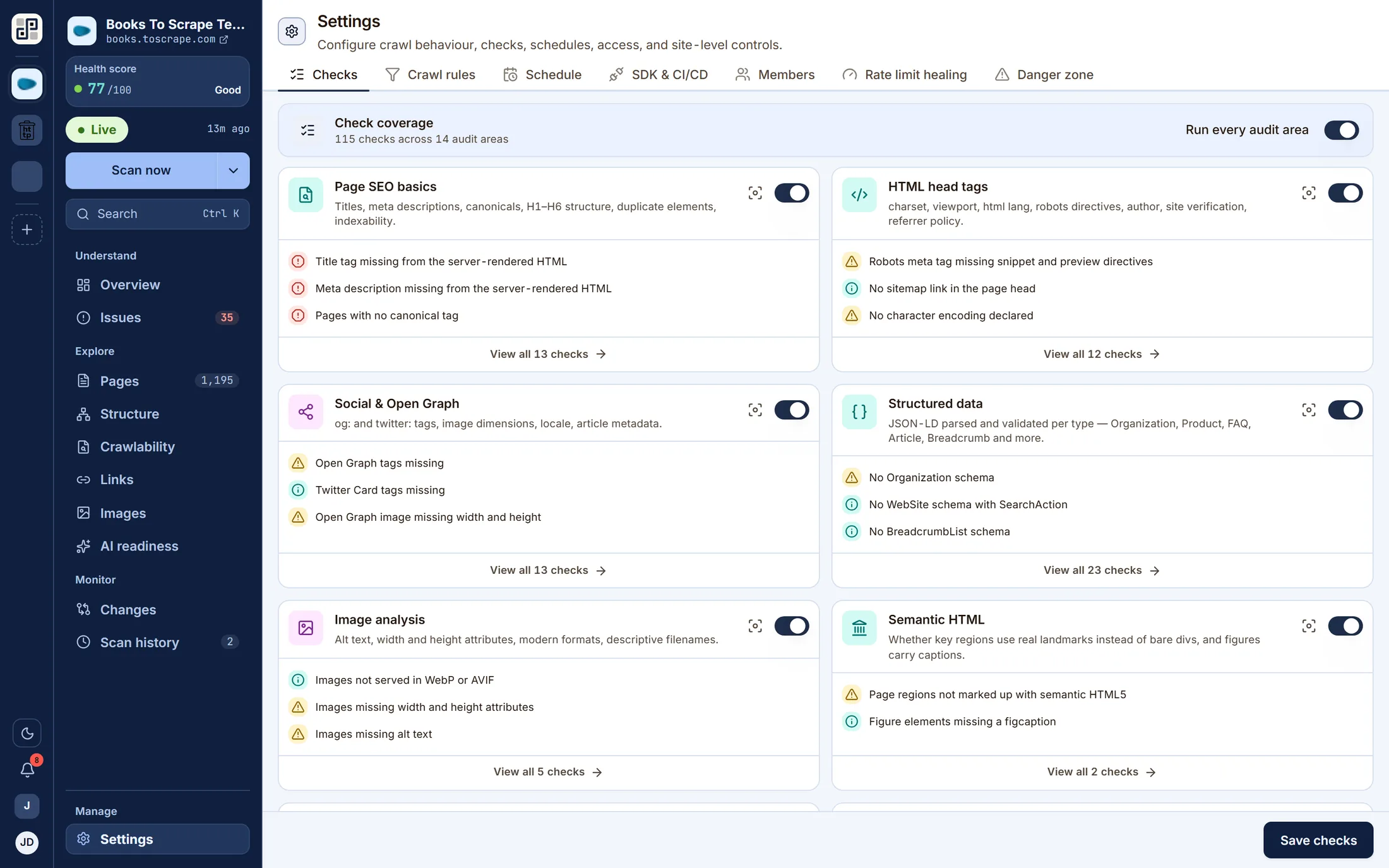
A score answers “is this site healthy overall”, which is not the question a release gate is asked. List the checks that fail a build outright — a broken canonical, a dead internal link — and the score stops having to stand in for them.
- 03
Kept in the dashboard, or in the repo
A pixyscan-settings.json next to the code is reviewed in the same merge request as the change it gates. When a pipeline sends one, it is the list for that scan.
- 04
Exit codes that mean something
0 passed, 1 the gate refused it, and distinct codes for a failed scan and a configuration error, so your pipeline can treat “the site regressed” differently from “the token is wrong”. The report names the check that stopped the build.
- 05
Branch to environment
Map a branch pattern to a URL. A preview deploy is scanned at its own host and filed as preview rather than becoming production's baseline.
- 06
Also a library
The same thing is usable programmatically, with a typed error for the below-threshold case.
Where the line is
What this does not do
You would find out on the trial either way. This is cheaper for both of us.
There is no GitHub app. Nothing comments on your pull request or holds a merge — your pipeline decides what a failing scan means.
One of these a blocker for you? Tell us — it is the most useful thing we can hear.
Keep going
The other five capabilities
Each is a page like this one, with its own list of what it will not do.
Scheduled monitoring
Put a site on a daily, weekly or monthly schedule in your own timezone and PixyScan re-crawls it without anyone opening the app.
Read itThe technical audit
Every discipline runs on every crawled page, producing a health score out of 100 weighted by severity.
Read itInventory you can interrogate
Pages, structure, crawlability, links, images and AI readiness are lenses on the same dataset — not separate scans and not separate products.
Read itReports and exports
Any completed scan renders on the server as a PDF, in three cuts: the problems, the strengths, or both.
Read itWorkspaces, sites and roles
A workspace holds sites, members and the subscription.
Read it
Run it against your own site
One site free, 500 URLs a month, no card. The second scan is where this starts being useful.
Free plan · 1 site · 500 URLs a month · all 100+ checks · no card