
Product · Monitor
Every run, kept
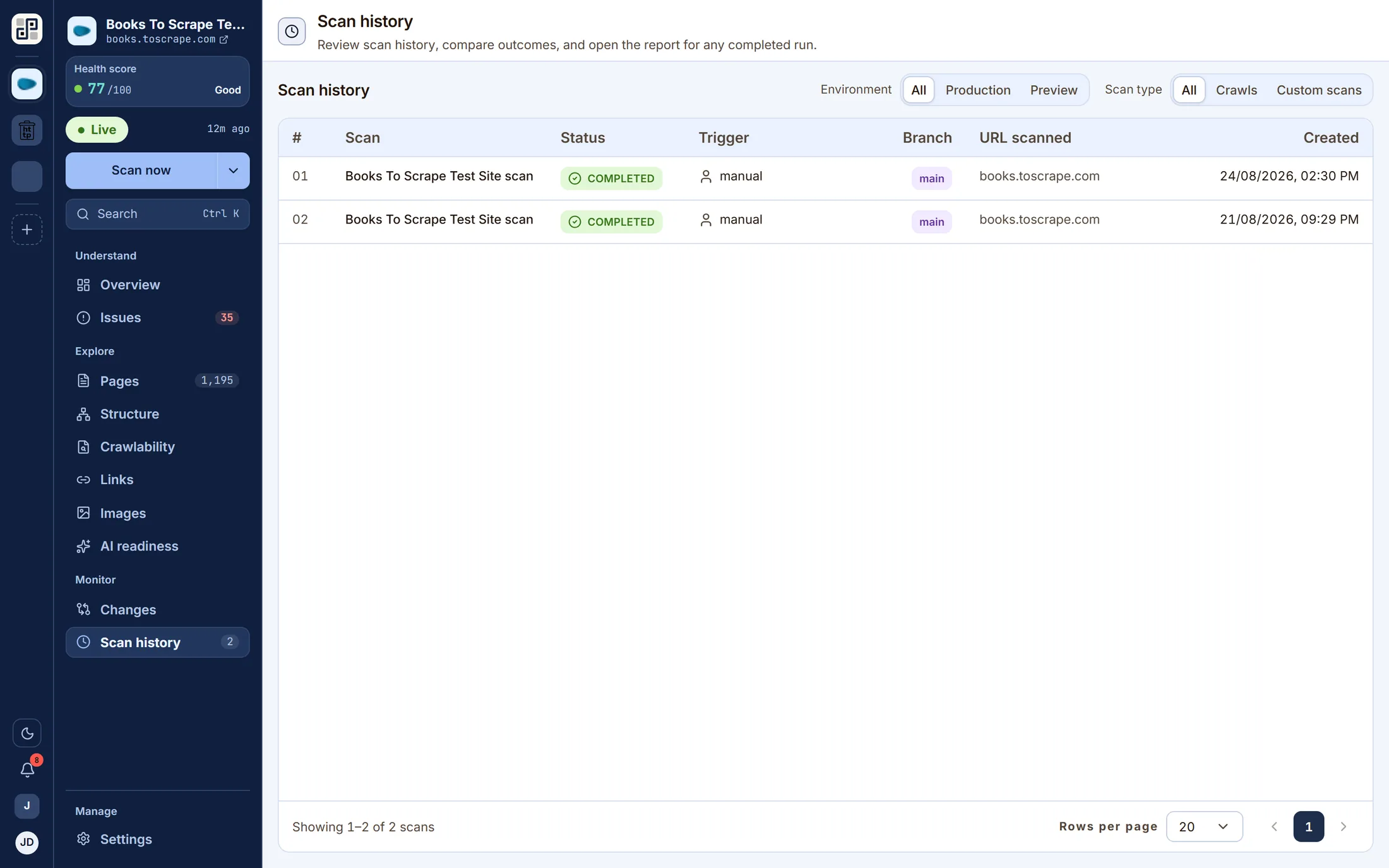
Each scan has its own report: the score it measured, the checks it failed, how long it took and which branch it ran against. You can always go back to the run before the one that broke something and read the site as it was that day.
What it answers
The questions this screen exists for
If none of these is a question you have, this is not the lens you want — one of the other ten probably is.
- 01When did this start being a problem?
- 02What did the site look like before the release?
- 03Which branch was this run measuring?
- 04How long does a crawl of this site take?
On the screen
What you actually get
Four things, each of which is visible in the capture above.
Any completed run reopens as a full report — every lens, pinned to that scan.
Branch and environment recorded per run, so a CI scan is identifiable as one.
History depth is a plan limit: 30 days on Free, up to ten years by contract.
Filter rows for status and type, because a busy site's history is long by design.
The other lenses
One crawl, eleven readings of it
They are not separate scans. Each of these is the same dataset asked a different question.
See Scan history against your own site
Connect one site free and run a crawl. Every lens on this page fills with your own pages within a few minutes.
Free plan · 1 site · 500 URLs a month · all 100+ checks · no card