

How your health score works
Your health score is a number from 0 to 100. Every failing check takes points off. How many depends on how serious it is, its category and how many pages it affects.
The basics
Three simple rules
A check is one test, such as “every page has a title”. Pass every scored check and you get 100. Three rules decide what each failure costs.
Serious problems cost more
Critical checks weigh 10, important checks 5 and standard checks 2. Suggestions weigh 0, so they never cost points.
Problems on more pages cost more
The share of pages a problem affects is its reach. On every page, it costs the full weight. On a handful of pages, it costs much less.
Any failure costs something
Fail a check on even one page and it costs a quarter of its weight. So one broken page on a big site still counts.
The maths
What one failing check costs
Each failing check is costed with this formula. The costs are then added up to give your score.
cost = weight × ( 0.25 + 0.75 × reach ratio )
- weight
- The severity weight (10, 5 or 2) times the check's category multiplier, listed further down. A critical Link Integrity check weighs 10 × 0.9 = 9.
- 0.25
- The quarter of the weight you lose as soon as the check fails anywhere. The other three quarters depend on reach.
- reach ratio
- Pages with the problem divided by pages scanned, from 0 to 1. A site-wide problem, such as a broken robots.txt file, counts as 1. Structured data checks only count pages that use that type of structured data.
PixyScan adds up the cost of every failing check. It compares that with the most all scored checks could cost if each failed on every page. Your score is 100 minus that percentage, rounded. If your failures cost 5% of the maximum, you score 95.
An example
Your site has 340 pages. The critical Link Integrity check “Broken internal links and pages” fails on 34 of them, so its reach ratio is 34 ÷ 340 = 0.10. Its weight is 10 (critical) × 0.9 (Link Integrity) = 9.
9 × (0.25 + 0.75 × 0.10) = 2.925
When every scored check applies, the most they could cost together is about 406. So this problem costs 2.925 ÷ 406 × 100, which is about 0.7 points off your score.
On just one page, it would still cost about 0.56 points. On every page, it would cost its full weight of 9, about 2.2 points. Fix it and you get the points back on your next scan.
What each severity weighs
Of the 202 checks, 126 are scored and 24 are suggestions. Here is each severity's weight and how many checks have it.
| Severity | Weight | Checks |
|---|---|---|
| Critical Can stop a page being found, shown in search or loaded safely. | 10 | 17 |
| Important Can cost you visitors or make your pages look worse in search. | 5 | 86 |
| Standard Worth fixing, but rarely urgent on its own. | 2 | 64 |
| Suggestion Advice only. It never costs points. | 0 | 35 |
Some categories count more
Each severity weight is multiplied by its category's multiplier. Problems that stop search engines finding or indexing pages count in full. Social sharing tags count for a fifth, because share previews do not affect rankings.
- Crawlability, Indexability× 1.0
- Link Integrity, On-Page× 0.9
- Content & Answers× 0.7
- Media× 0.6
- Delivery & Trust, International× 0.5
- Structured Data× 0.4
- Social & Sharing× 0.2
Good to know
A few more things to know
- Ignoring a check hides it from your lists, but it still costs points. Only fixing it raises your score.
- Suggestions never change your score, whether you act on them or not.
- Structured data checks only count when you use that type of markup. No product markup means no product checks, so adding correct markup never costs points.
- The Issues screen shows what each failing check costs, so you know what a fix is worth before you start.
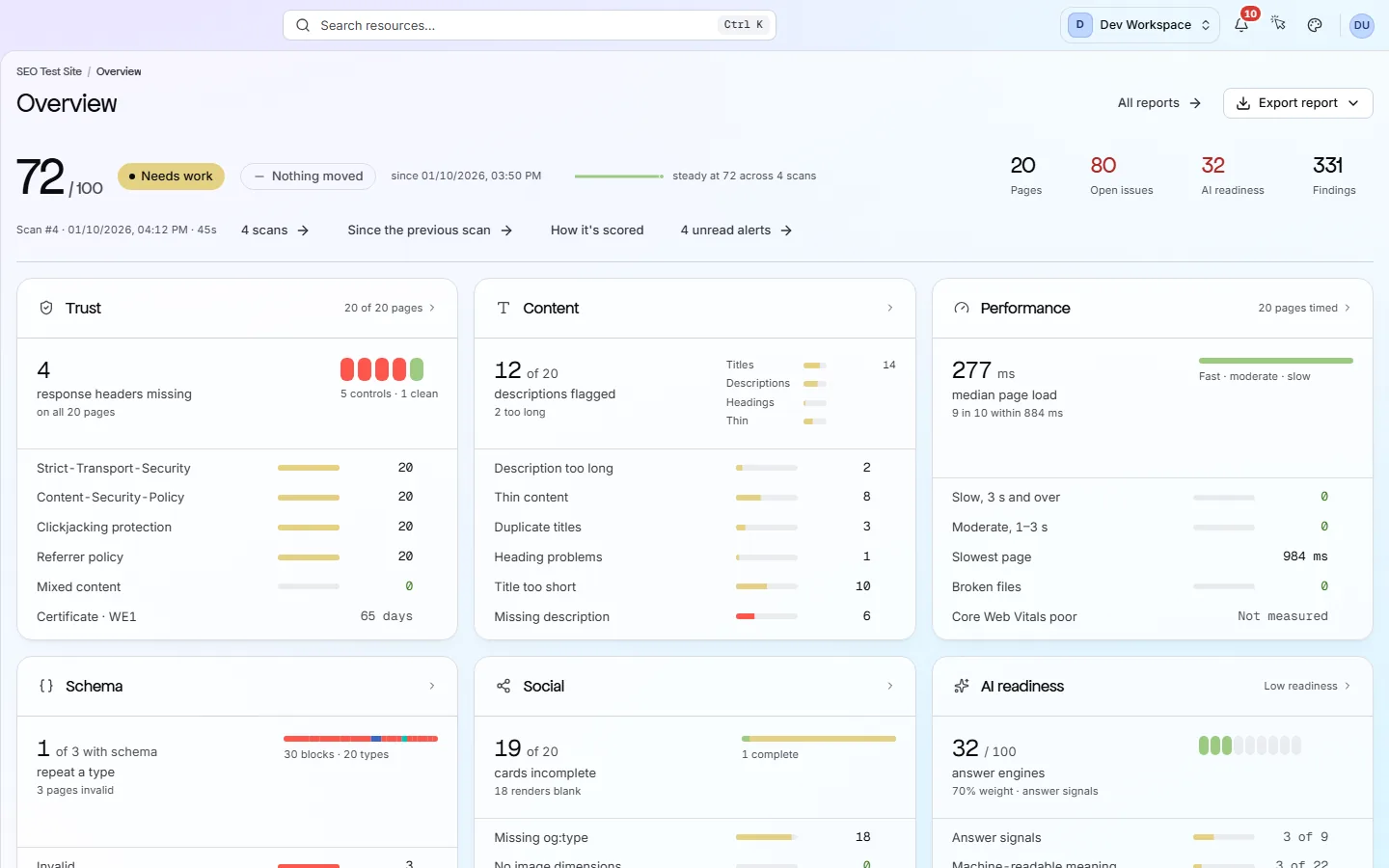
- 90 or more reads Excellent, 75 to 89 Good, 50 to 74 Needs work, and below 50 Critical.
Setting a CI/CD score gate
In CI/CD (your automated build and release process), a scan fails the build when it scores below your gate, 97 by default. Most sites score lower on their first scan, so set the gate to your current score and raise it as you fix things. Included from Basic up. How the gate works
See your own score
Run a free scan. No card needed. See your score, the checks that cost you points and how to fix each one.
No card needed · Nothing to install · Cancel any time