

User guide3 min
Links
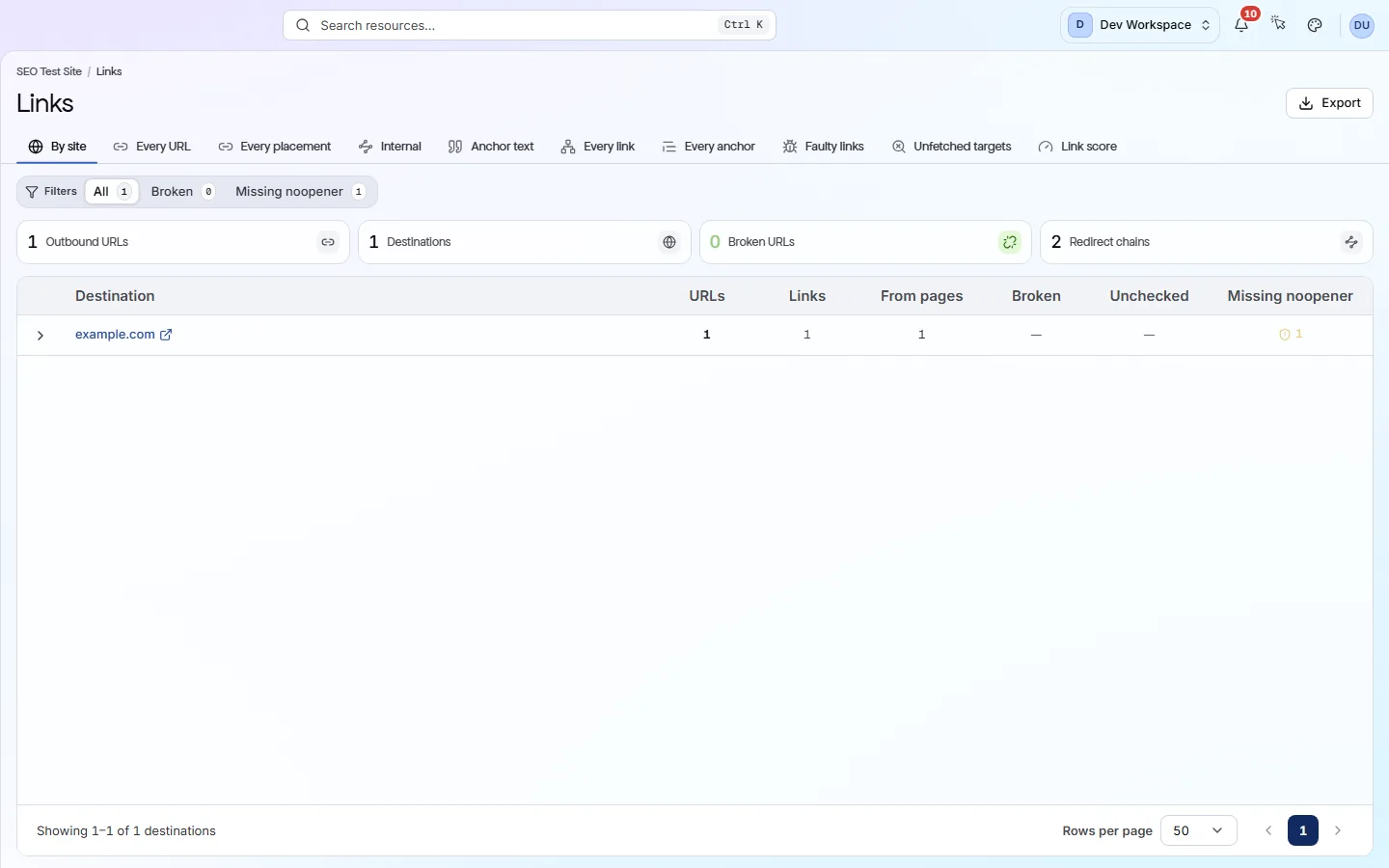
The Links screen lists every link the scan found. The first three tabs cover links from your site to other sites. The rest cover links between your own pages.
How to get there#
Links is in the Explore group of the site sidebar, after Crawlability.
- 1
Open Links in the sidebar
Open the site, then choose Links under Explore. It opens on the By site tab.
- 2
Pick the tab that matches your question
All ten tabs show the same links, grouped in different ways. The table below says which tab to use for which job.
- 3
Expand a row to see where a link is
On By site and Every URL, click a row to list the pages that carry that link. Click a page to open its report and fix the link there.
app.pixyscan.com/w/…/s/…/links
Choose a tab#
The same links, grouped ten different ways.
| Field | Use it when | What it does |
|---|---|---|
| By site | Another site went down | Links to other sites, grouped by domain, with counts of broken and unchecked URLs for each. |
| Every URL | You need the exact address | One row per outside URL you link to, with its HTTP status (the code the server answered with). |
| Every placement | You need to edit the link | One row for each outbound link on each page, so you know exactly which page to open. |
| Internal | You care about your own pages | One row per page: how many of your links point to it and from it, links to redirects or broken pages, and clicks from the homepage. |
| Anchor text | The words matter | The clickable words your internal links use, most used first. Phrases like “click here” get the badge Names nothing. |
| Every link | You need every internal link | One row per source page and target page pair, with the anchor text, rel value and target status. |
| Every anchor | You are checking link text | Every anchor (clickable link) on the site, internal and outbound, with filters for empty or vague link text. |
| Faulty links | Links look wrong | Internal links marked nofollow (telling search engines not to follow them), with no anchor text, with text that names nothing, or pointing at a URL that redirects. |
| Unfetched targets | Links were not followed | Internal links whose target this scan never fetched. For example, your crawl settings excluded it or the scan skipped it. |
| Link score | Some pages get few links | A score from 0 to 100 for how much your internal links support each page. Your strongest page scores 100. Use the No inlinks filter to find orphan pages (pages nothing links to). |
Internal
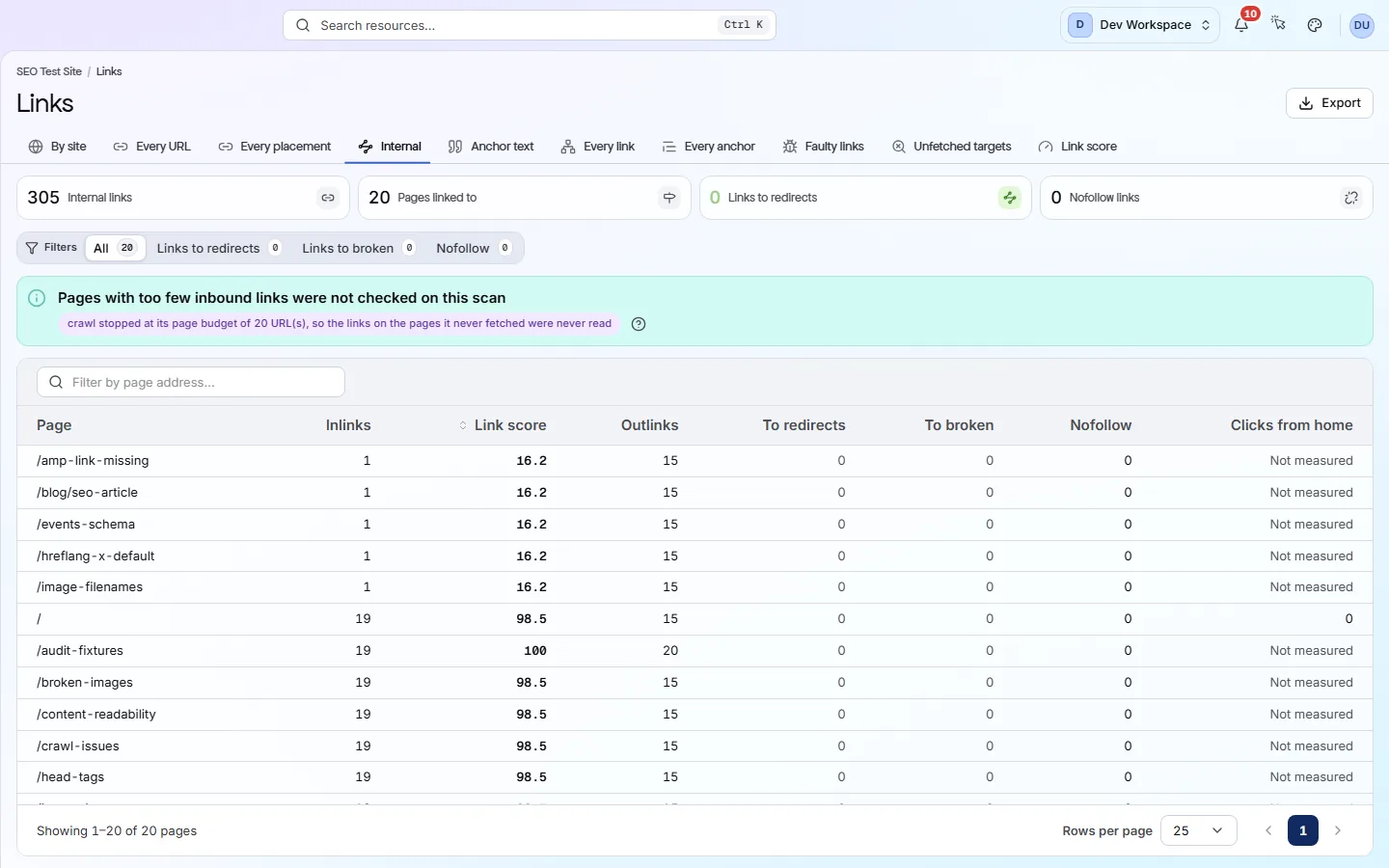
Link score works like Google's original PageRank, using only the links in this scan. It is not an outside authority score. Compare your pages with each other, not with other sites.
Find broken links#
A link is broken when its destination answers with a status of 400 or above, including 401 and 403.
- 1
Open By site and pick Broken
Only domains with a broken URL stay, and the first one opens. A domain marked flaky answered on some checks and failed on others. Check it again before you remove the link.
- 2
Switch to Every placement and pick Broken again
This lists every page with a broken link, one row per link. Open each page and update or remove the link.
- 3
Check Missing noopener while you are there
Missing noopener lists outbound links with neither rel="noopener" nor rel="noreferrer". These stop the other site from controlling the tab that opened it.
Why do my links say Unchecked? Link checks start at Hobby
Links to other sites can break at any time
Does something here not match what you see in the app? Tell us